 Whid
Whid

Find any task in a few letters
Press ⌘ . from anywhere and type part of a task. Search finds it even with a typo, and Enter starts the timer.
Getting started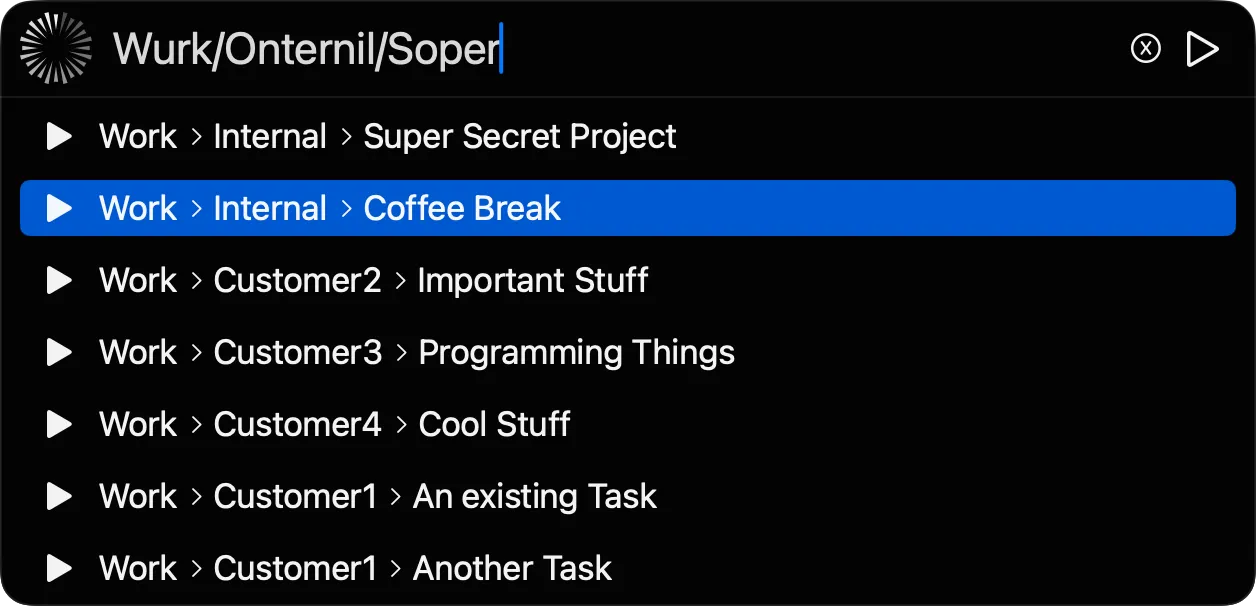
What Have I Done?
Keyboard-first time tracking for macOS. Start a timer in two keystrokes, fix it in a few more, and sync your hours to the tool your team already uses.
Press ⌘ . and try it: Tap the tracker and try it:
type part of a task, or add -20m to backdate it.
Tracking Work/Whid/Weekly calendar view since 13:00.
Whid stays out of the way until you need it. Starting, fixing and syncing your time each take a few keystrokes.
Press ⌘ . from anywhere and type part of a task. Search finds it even with a typo, and Enter starts the timer.
Getting started Forgot to start the timer? Add a short command after the task name.
All short commandsMap a task to Jira, Asana, ClickUp and more once. From then on, one command sends your times.
Browse integrations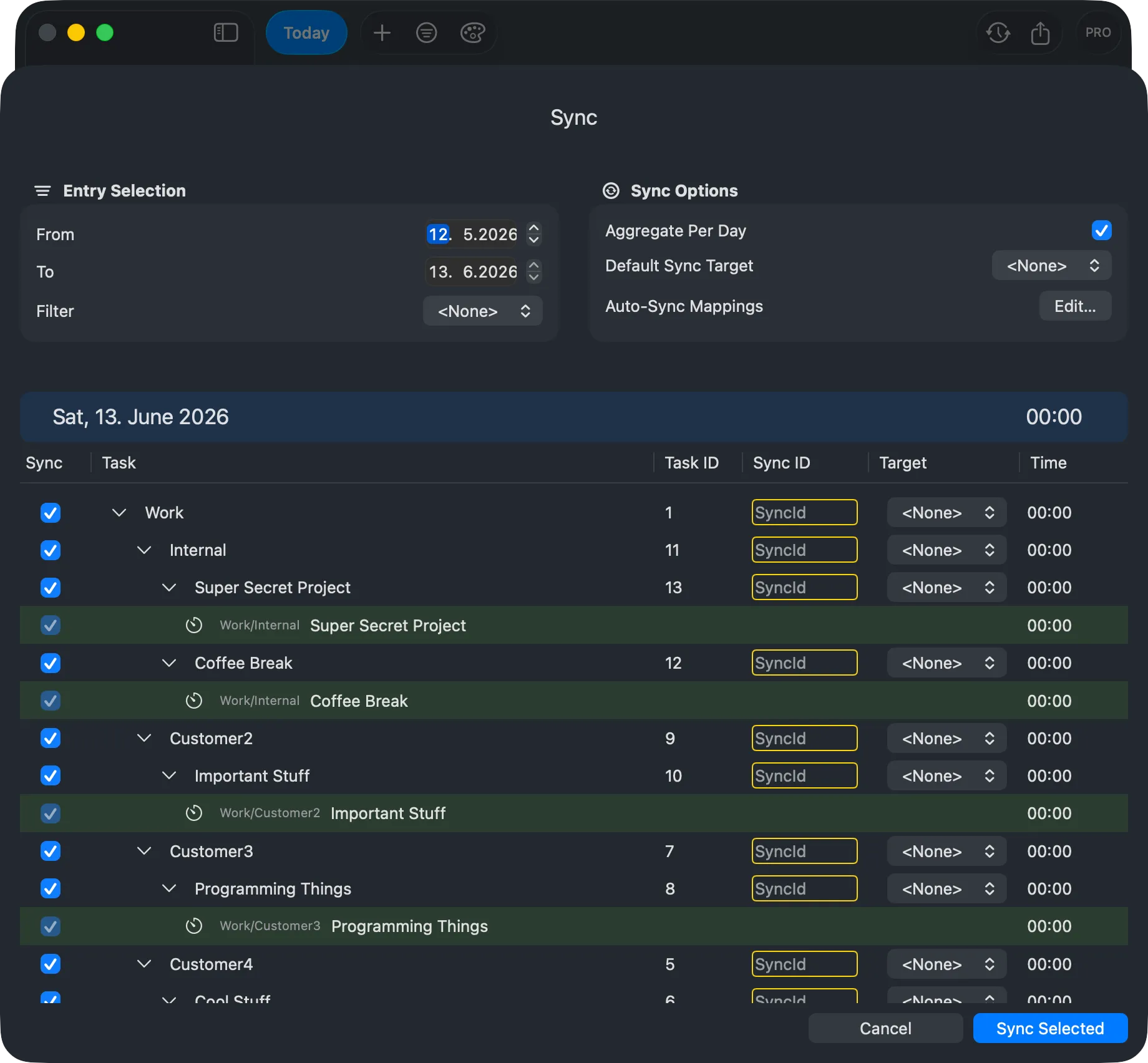
Every entry on a week grid, so gaps and overlaps stand out. With PRO, create and edit entries right in the calendar.
Learn about the calendar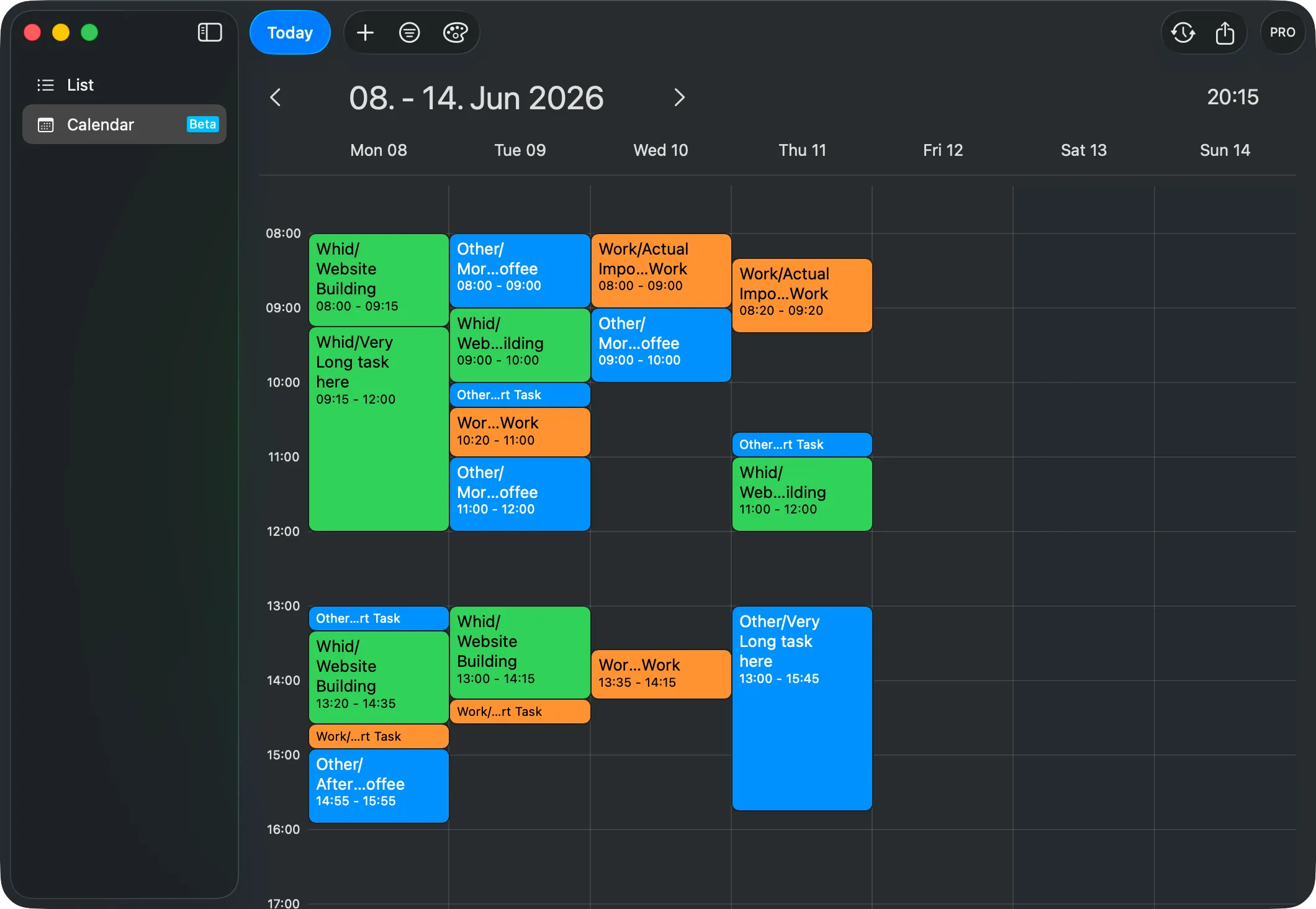
Nest tasks with a slash, as deep as you like. There is no limit on how many you track.
Tracking never needs a connection. You only go online to sync.
Your times are yours. Export them whenever you like, on the free plan too.
Seven integrations and counting. Missing yours? Tell us which one.








Whid's core is free, forever. PRO is a one-time purchase, not a subscription.
Freeforever
Everything you need to track your time.
No account or sign-up needed.
$5one-time, no subscription
Everything in Base, plus:
The trial starts right in the app.
Something else on your mind? Ask us directly.
Most of Whid's features are free to use. PRO, a one-time $5 purchase, adds syncing with project management systems and creating & editing entries right in the calendar. You can try PRO for 90 days for free to see if it makes your time tracking easier. You can always export your tracked times to CSV without additional costs.
To open the compact tracker window, use the default shortcut Cmd + . (the period key). After opening the window, you can type the task you are working on and press Enter. This will start the tracking.
To quickly end a task, you can open the compact tracker window by pressing the shortcut (default is Cmd + .) and either type your next task, or leave the field empty and press Enter. This will stop the tracking.
With Whid's powerful commands you can easily adjust your bookings. E.g. when starting a task, if you type '13:00' after your task name, Whid will start tracking your specified task at 1pm, and automatically close any previous tasks at 1pm. To see a full list of commands, please refer to the Short commands documentation.
With Whid you can track any number of tasks and even organize them in hierarchies!
Officially we support macOS. Please contact us if you are interested in a Windows or Linux version, we might find you a solution. 😉 Whid currently only has a desktop version.
You can track your times without internet connection. If you have a project management software where you have to keep track of your work, you only need internet connection during the synchronization step.